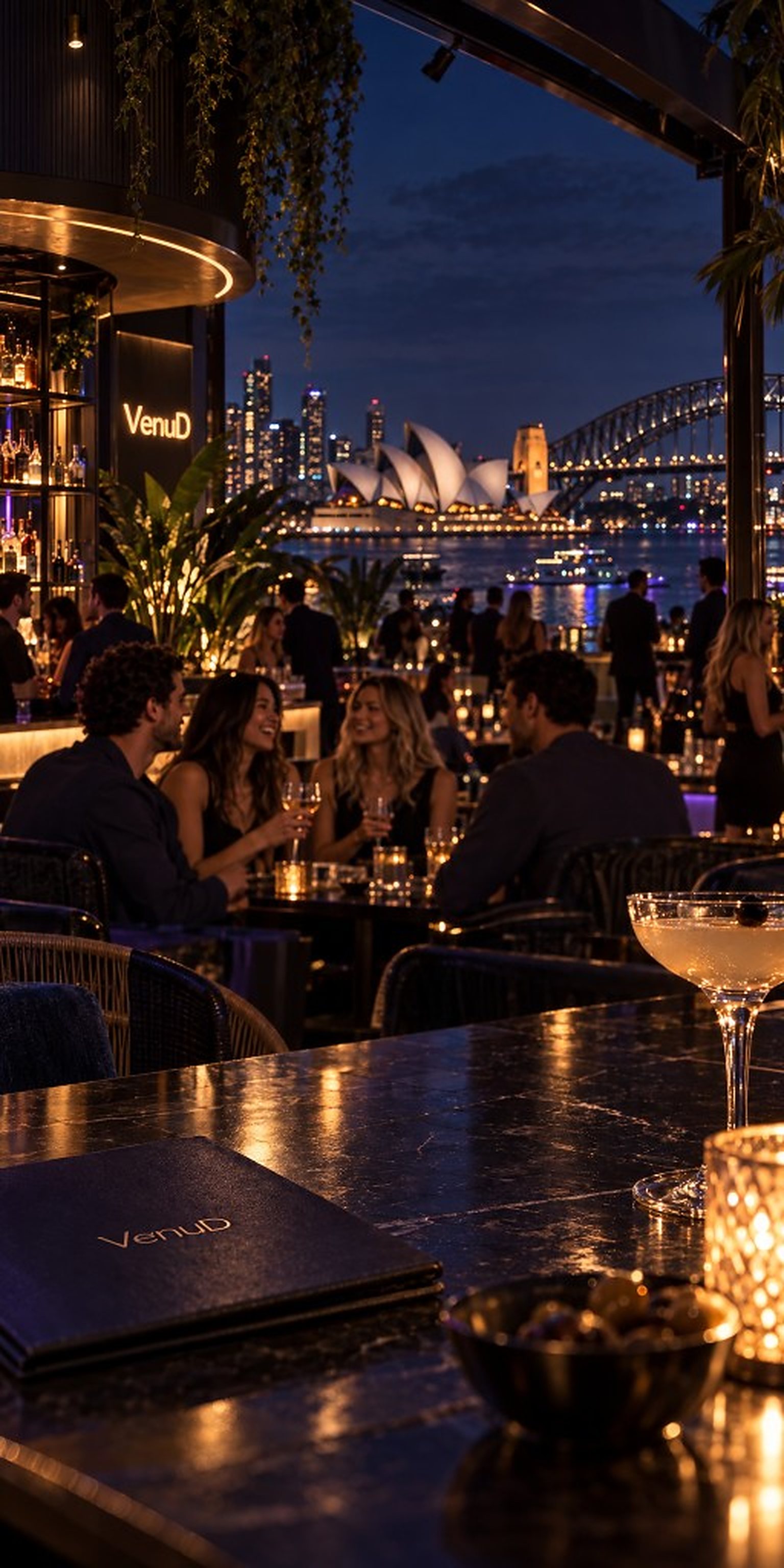
The night, one platform.
Guests find the room, the crew and the deal. Venues fill the floor and take the order.
The platform
One platform, two sides
Most hospitality software picks a side. Discovery apps talk to guests and sell the venue impressions. Point-of-sale talks to the venue and never meets the guest. VenuD is one system with both of them in it — the same check-in that lights a pin on the guest’s map is the check-in a venue measures a boost against; the same QR order that skips the queue is the paid ticket on the till.
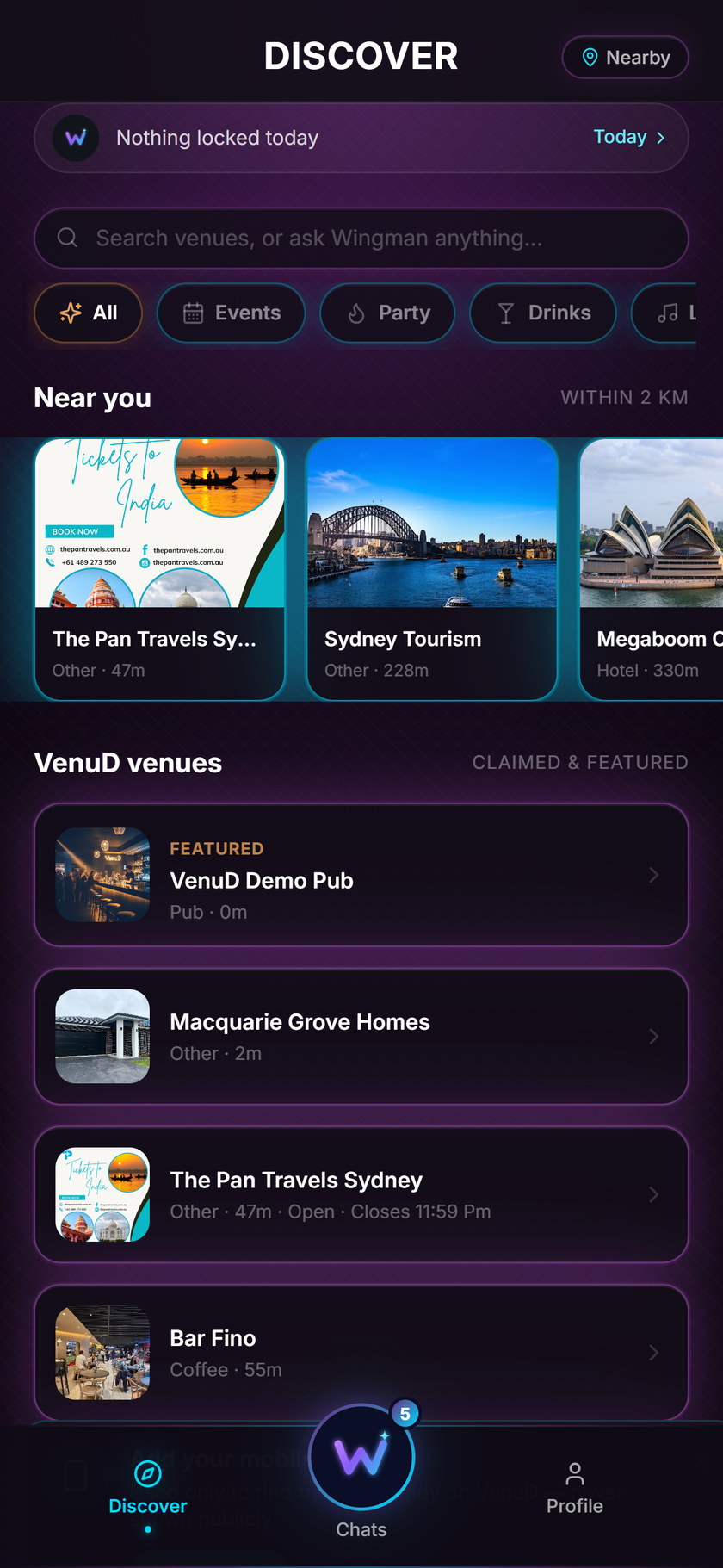
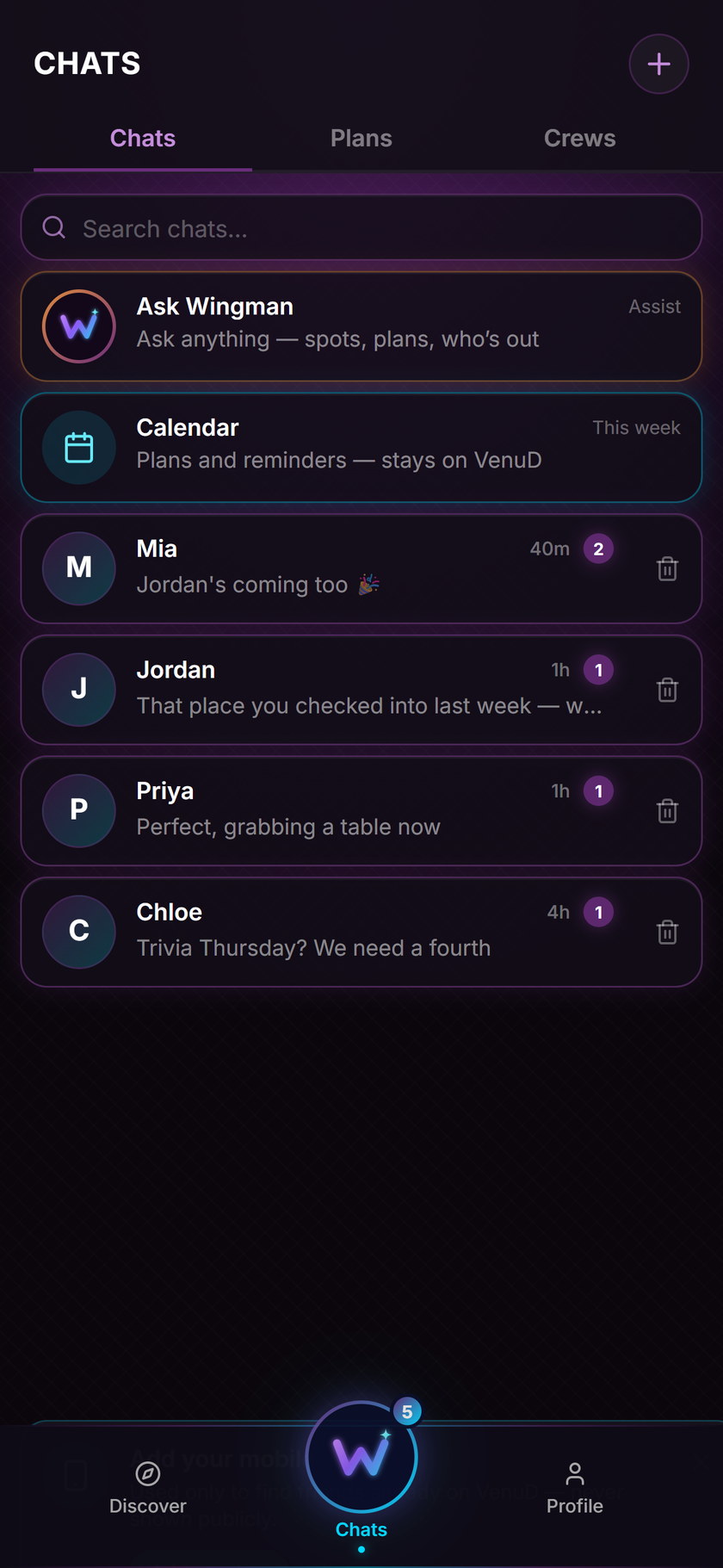
For a guest it is a single app: a live map of the city, a deck to shortlist from, a plan with friends, Wingman to ask in plain text, ordering and paying at the table, and a passport of stamps that turn into rewards.
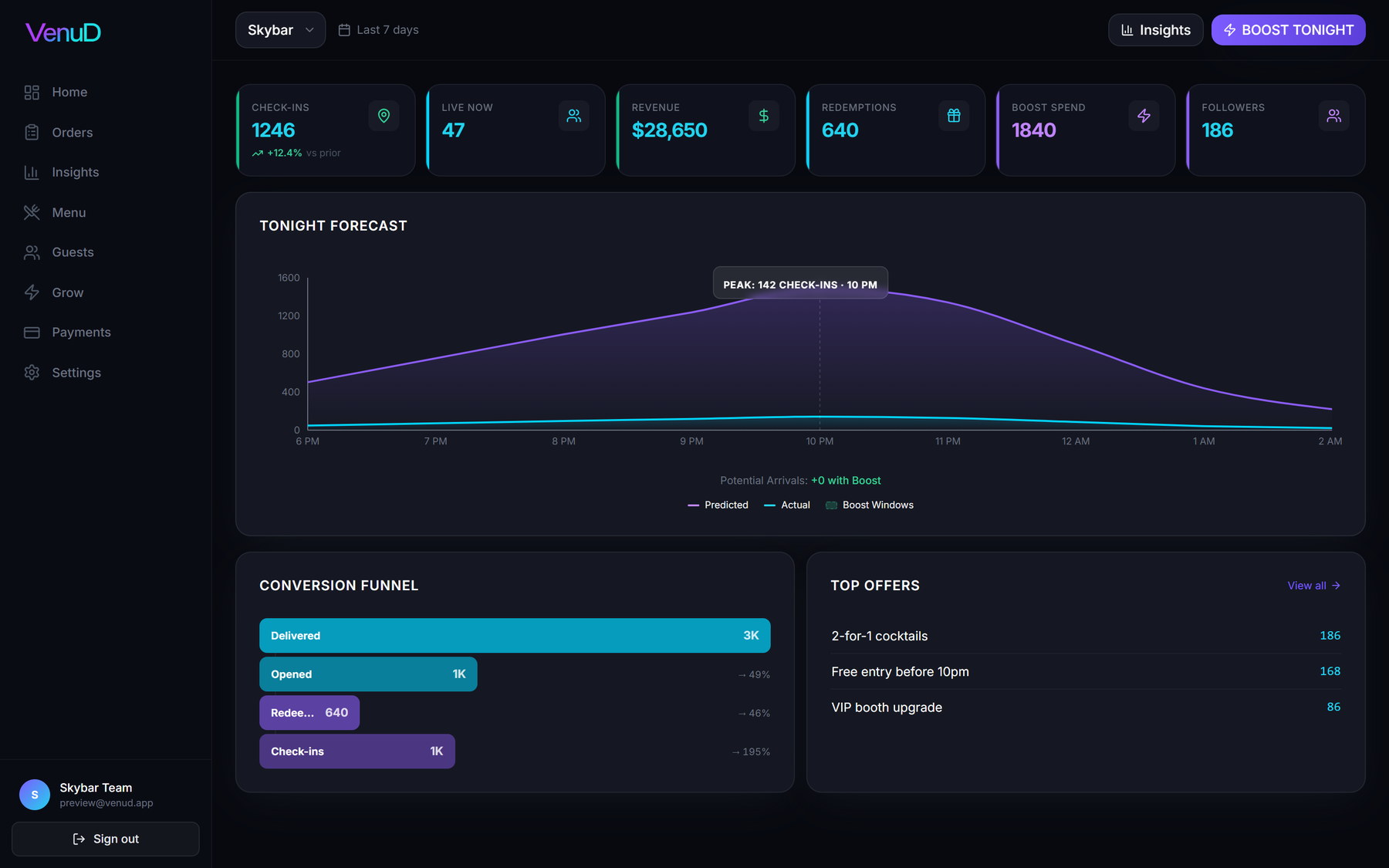
For a venue it is a portal and a QR on every table: the menu from the till, live orders, deals and loyalty, bookings, a Boost Wallet that funds the map and offer sends, and an Insights page that explains the week in money.
Guest app
For the night out
- Discover
- Plans & friends
- Wingman
- Table ordering
- Passport
One core for guests and venues
Venue portal
For the venue
- QR ordering
- Deals & loyalty
- Marketing
- Insights
- Payouts
Connects to

- Doshii


- Toast
- Clover
- Lightspeed
- Tyro


- Ideal POS
- Deliverect
The systems around a night out — tills, payments, maps and the feeds venues already use.
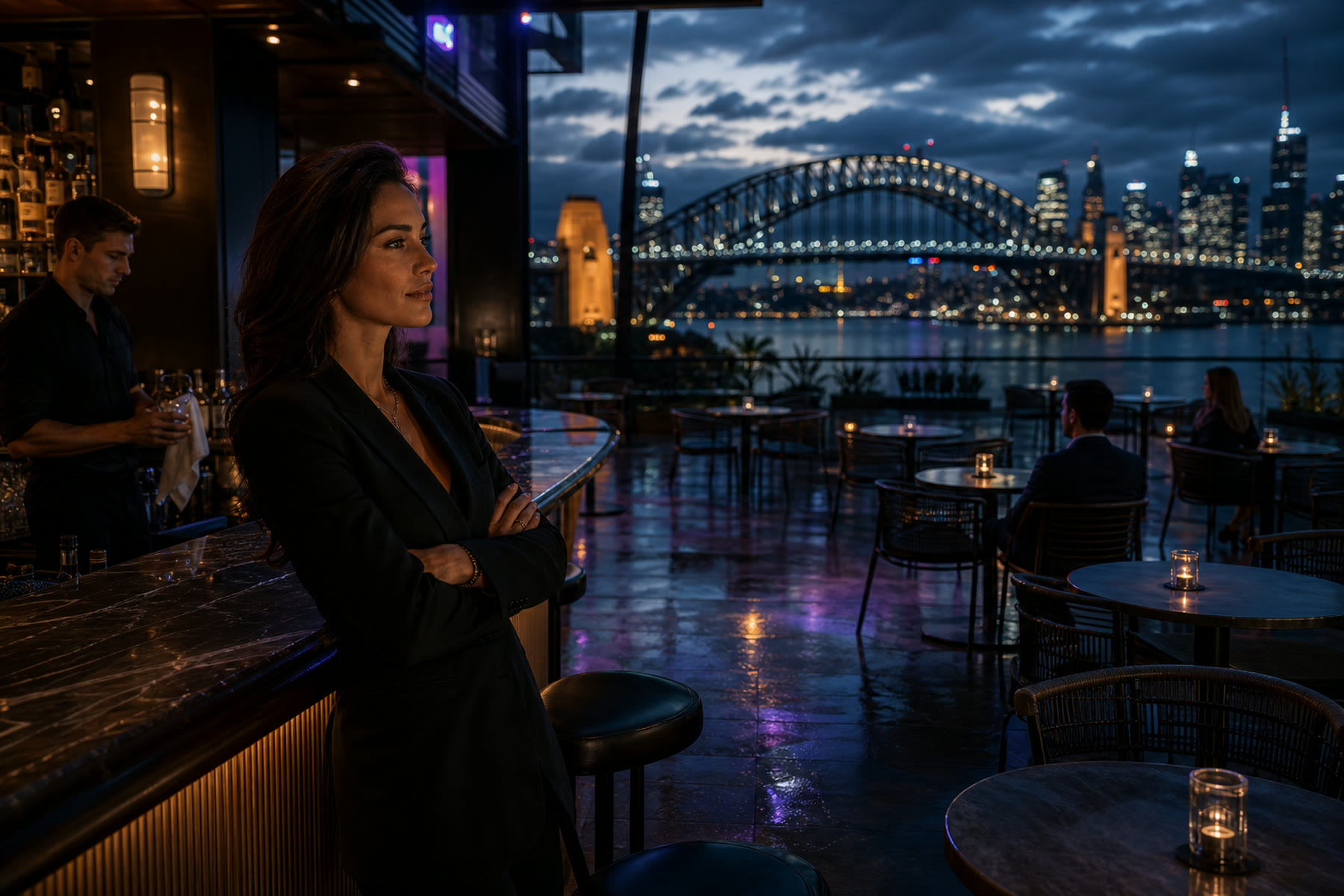
Tuesday, 7:40 pm
Forty seats. Six people. A full roster.
Every venue knows this hour. The room is set, the staff are on, and the people who would love it are three streets away deciding somewhere else — on a feed that doesn’t know your room exists tonight. VenuD was built for this hour, on both sides of the bar.
Before you leave
Know which room is moving
Open the map and the city is already sorted for you. Every venue has a pin, and the pin carries energy — a live reading of how many people have checked in there in the last little while, not a star rating from last Saturday. Warm pins are rooms that are on. Cool pins are rooms that are still waiting.
Swipe the deck to shortlist. Save the ones you like and they stay in your pocket; skip the rest and the deck learns what you don’t want. When a venue you saved drops a deal or a combo for tonight, you see it before you have your shoes on.
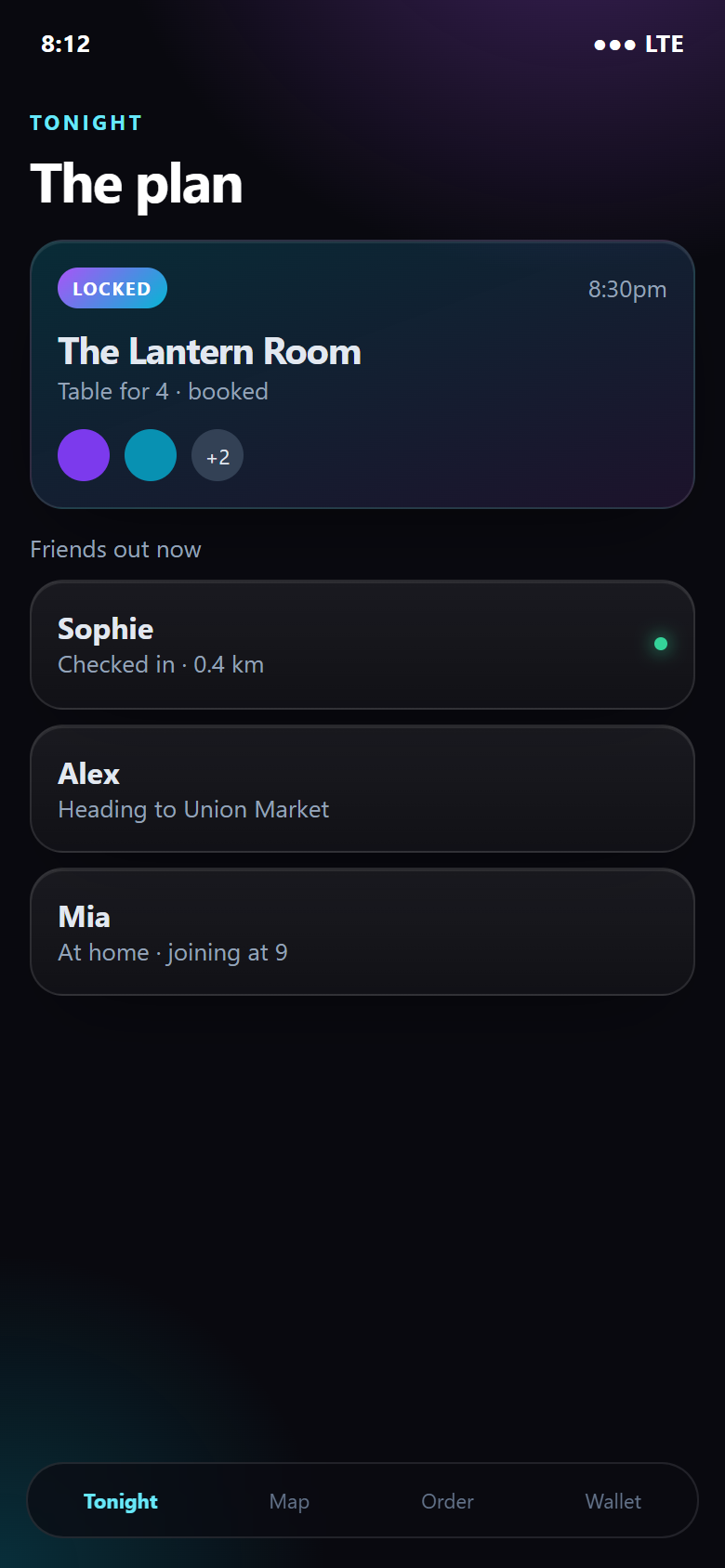
Lock a plan with your crew. Everyone sees the door, the time and who has already checked in, so the group chat stops being a negotiation. If plans change, the plan changes with them.
Then ask Wingman. It is text only — the mic stays off — and it answers in the same shape every time: a door, a time, and who is already there. It knows the live map, the deals that are running, the rooms you have saved and the places your friends are heading.
- “Where should I go for live jazz tonight?”
- “Best rooftop with no cover near Circular Quay?”
- “Where are my friends heading?”
- “Somewhere quiet for a first drink, then somewhere loud.”
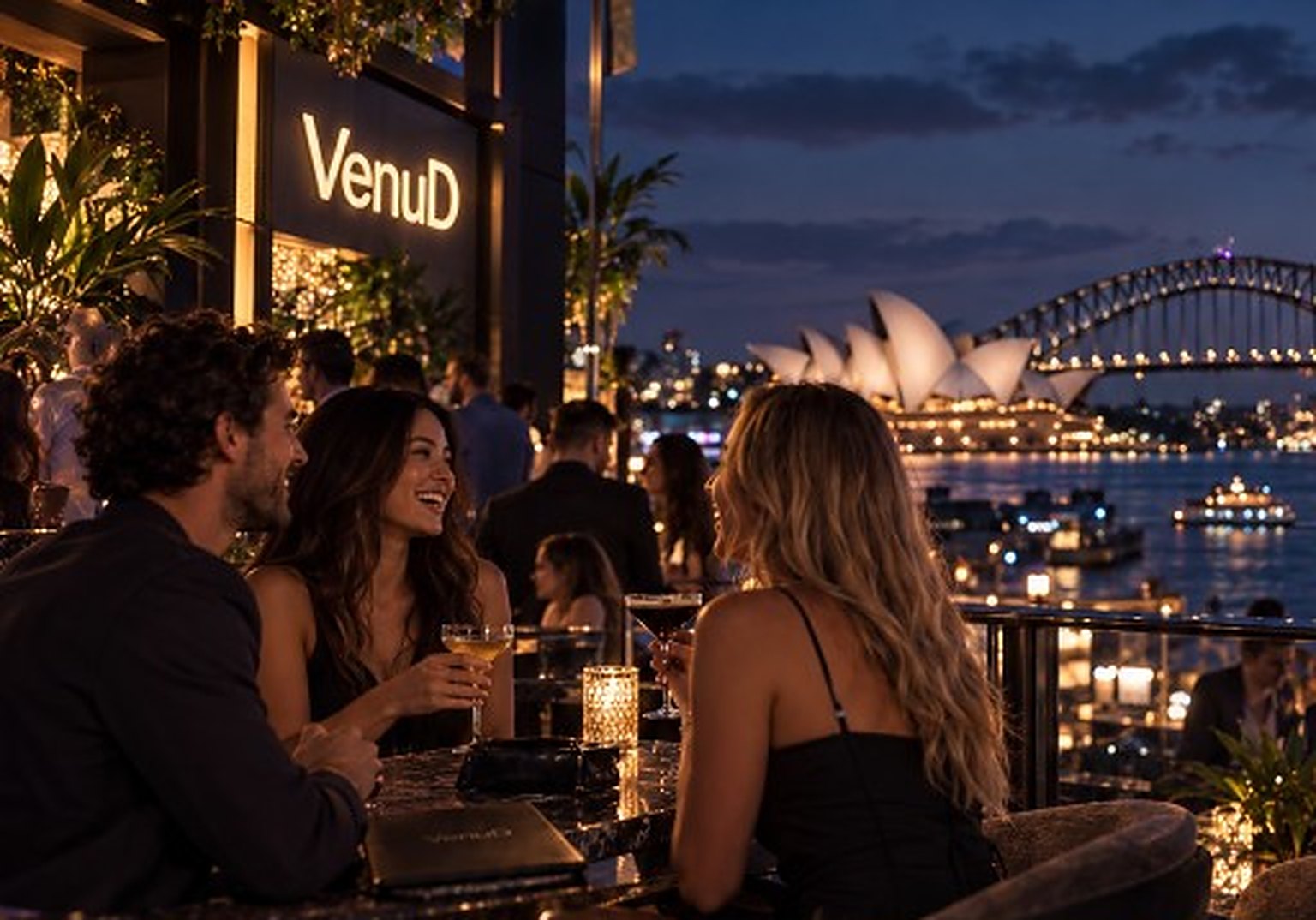
On the map
The pin goes warm when the room does.
Energy comes from real check-ins inside the venue, refreshed through the night. It can’t be bought, it can’t be faked with photos, and it fades as the room does. For a guest it is the honest answer to “is it any good right now?” For a venue it is the first time the street can see what is happening inside.
At the table
Scan, pay, then it prints
Every table and the bar carries its own QR. Scan it and the menu that opens is the venue’s own — the same items, the same prices, the same specials the till knows about. Nothing is retyped, so nothing drifts.
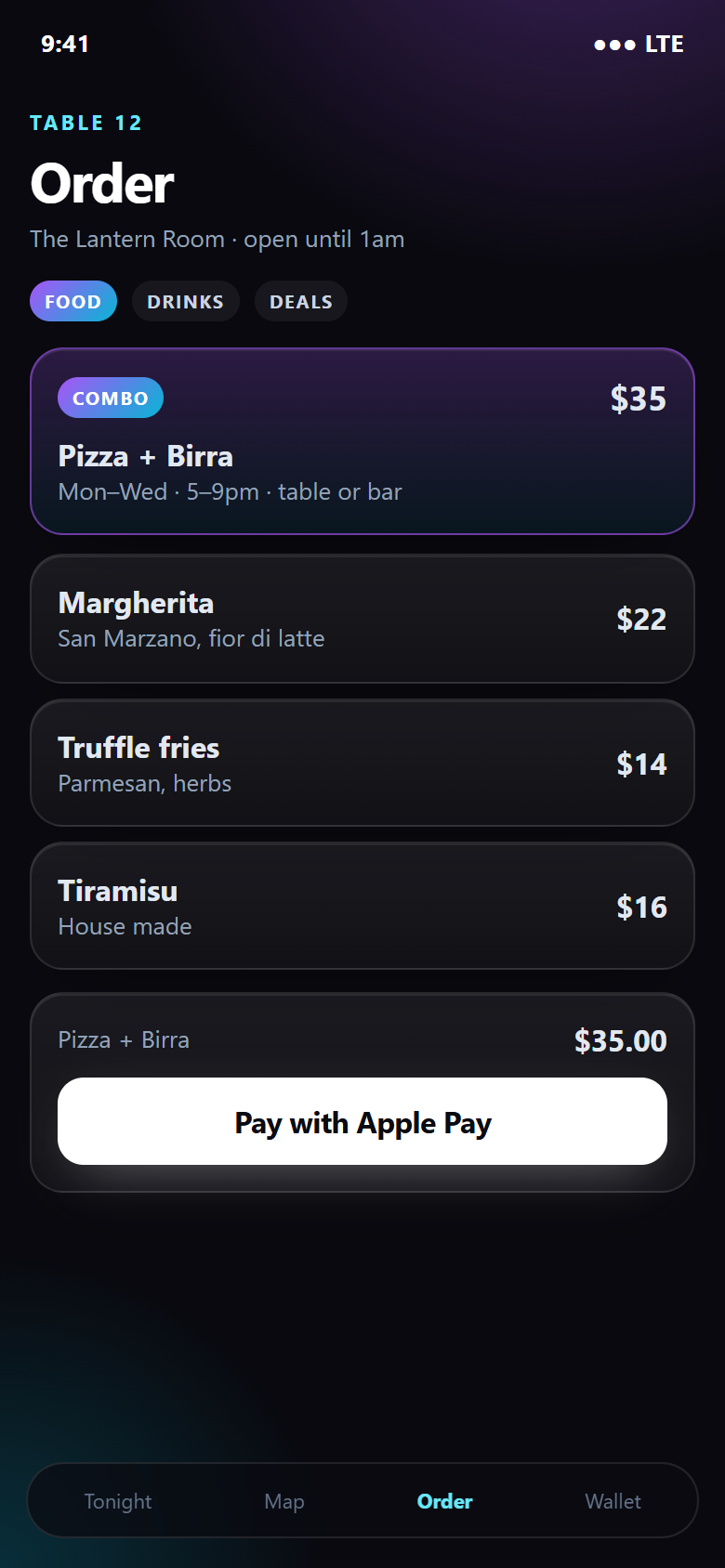
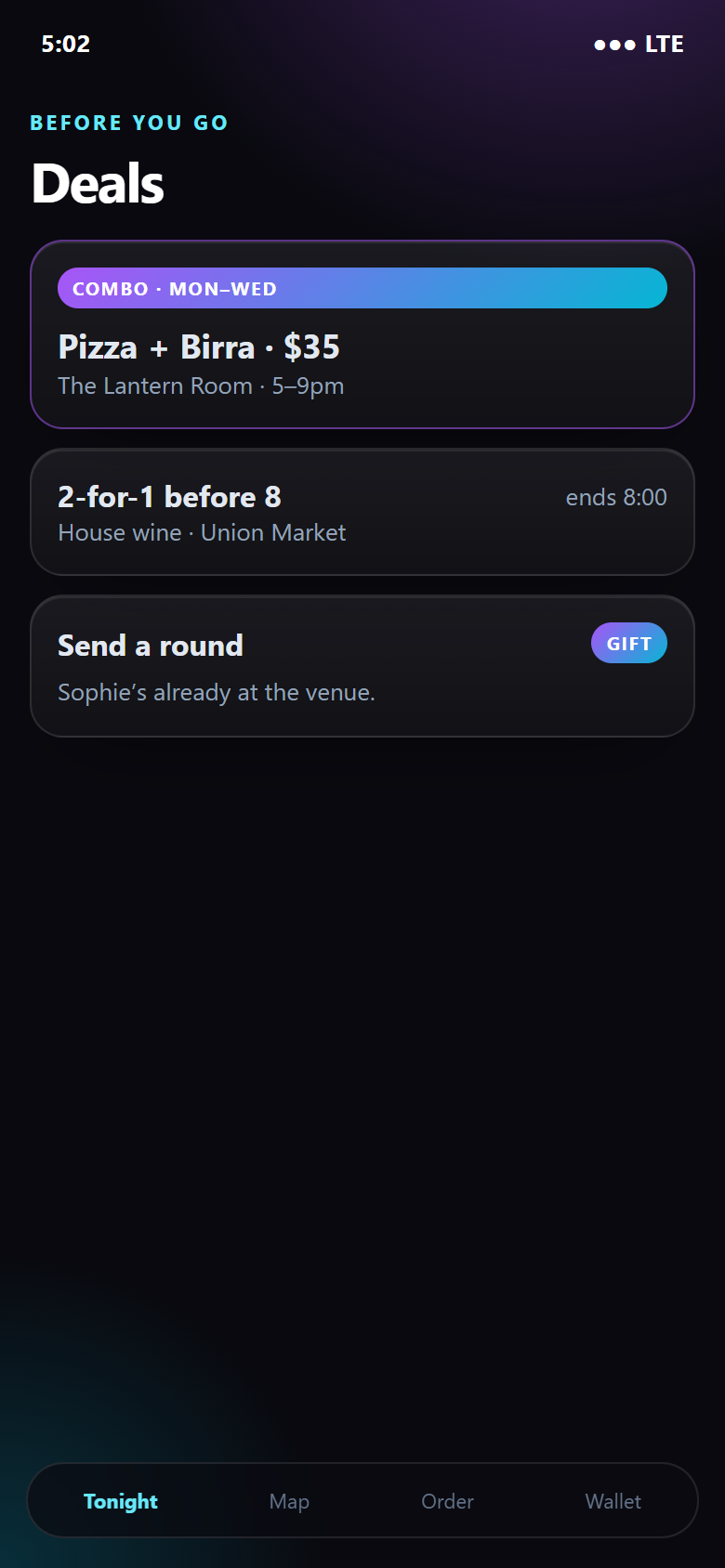
Order the Pizza + Birra at The Lantern Room — $35, Monday to Wednesday, five till nine — or the Pasta + Vino at the same price. Combos are built by the venue and priced by the venue; the app just makes them impossible to miss. Add a second round from the same screen when you want it, without flagging anyone down.
Pay with Apple Pay, Google Pay or a card. Payment clears before the ticket exists, so the kitchen and the bar only ever see orders that are already paid. Order status follows you on the phone — received, preparing, ready — so nobody is craning at the pass.
Anyone can use discovery, plans and Wingman. When you order, 18 and over sees the full menu. Under 18 can still order food — beer, wine, cocktails and spirits simply aren’t there. The venue sets the rule once and the app enforces it on every table, every night.
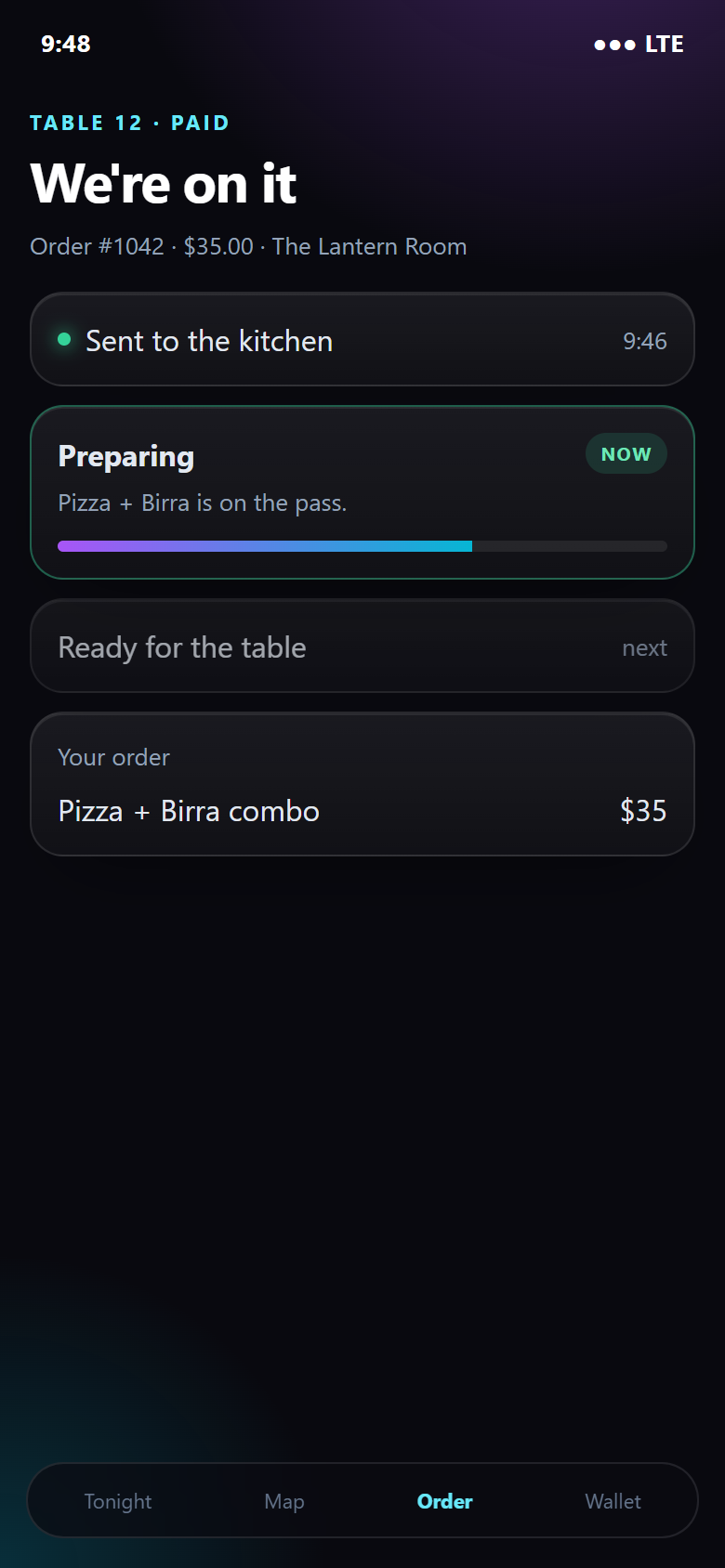
- 01Scan QRTable or bar
- 02MenuDeals included
- 03PayApple Pay · card
- 04VenuDOrder hub
- 05TillSquare · Lightspeed
- 06KitchenOr the bar
- 07PayoutVenue's bank
Skip the Q · the guest-side ad
Twenty-eight seconds. One night out, done properly.
This is the guest-side spot, shot the way people actually film a night out. No voice-over about features — just an evening that goes the way it should: she knew where the room was moving, she ordered before she reached the bar, and nobody stood in a queue. Everything in it is in the app today.
- 0:00
Know before you go
She checks the map on the way. The room she wanted is on — the pin is warm, friends are already checked in, and tonight’s combo is showing in the deals tab.
- 0:09
No line at the door, no line at the bar
She walks straight through. The order went in from her phone, paid in the app, and the ticket is already on the till before she has found a stool.
- 0:18
Drink in hand, friends found
The spritz is on the bar when she gets there. The venue has a paid order, a check-in it can measure, and a guest who will see the next offer before she leaves home.
For a venue, the same thirty seconds reads differently: a guest who was going to pick somewhere picked you, a paid order hit the till with no one taking it, and the check-in landed in Insights where you can see what brought her in.
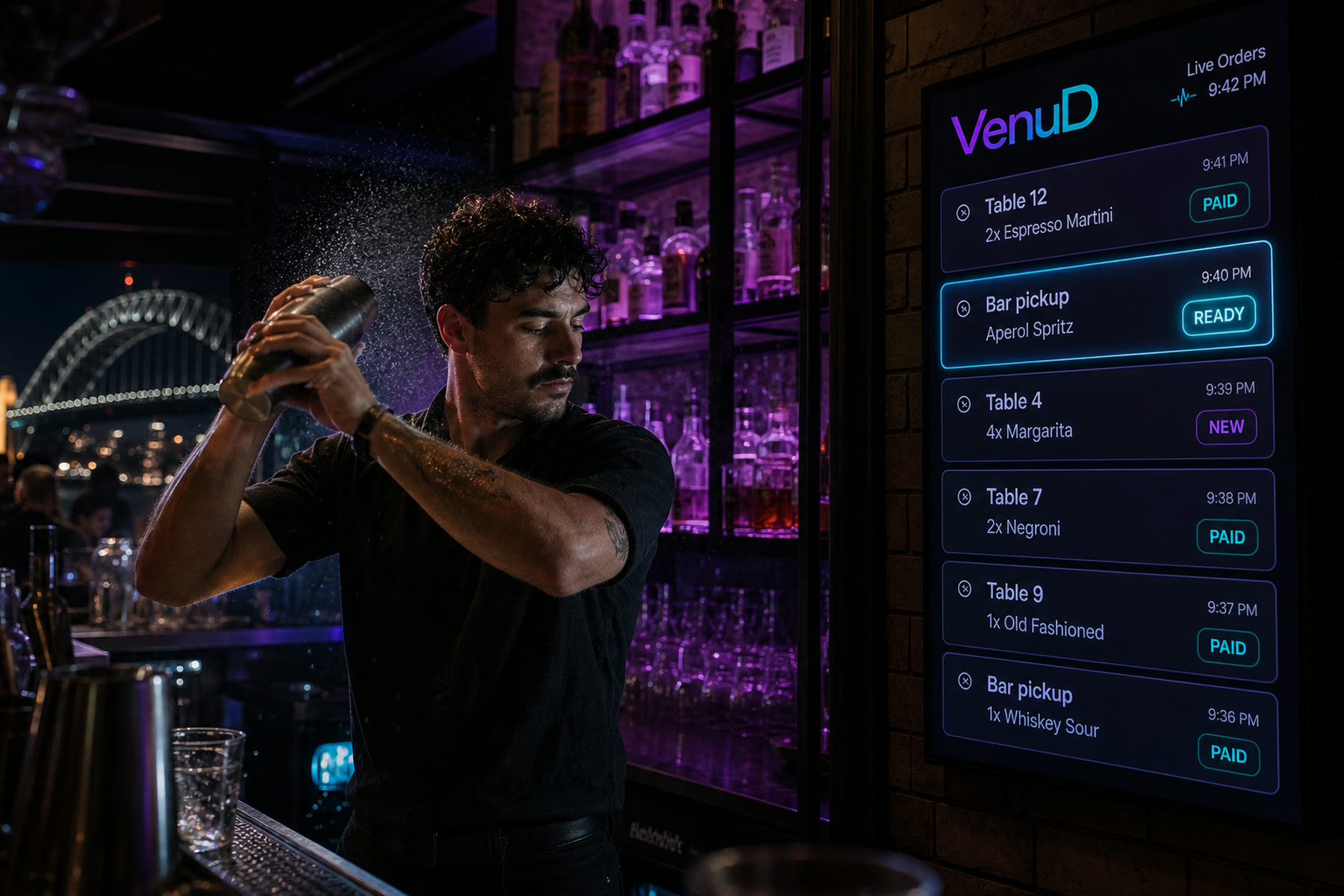
Behind the bar
Nobody took the order. It still printed.
The guest ordered from the table, the payment cleared, and the ticket landed on the till the venue already runs. Staff tender it the way they tender everything else. The queue on the screen is the queue in the room.
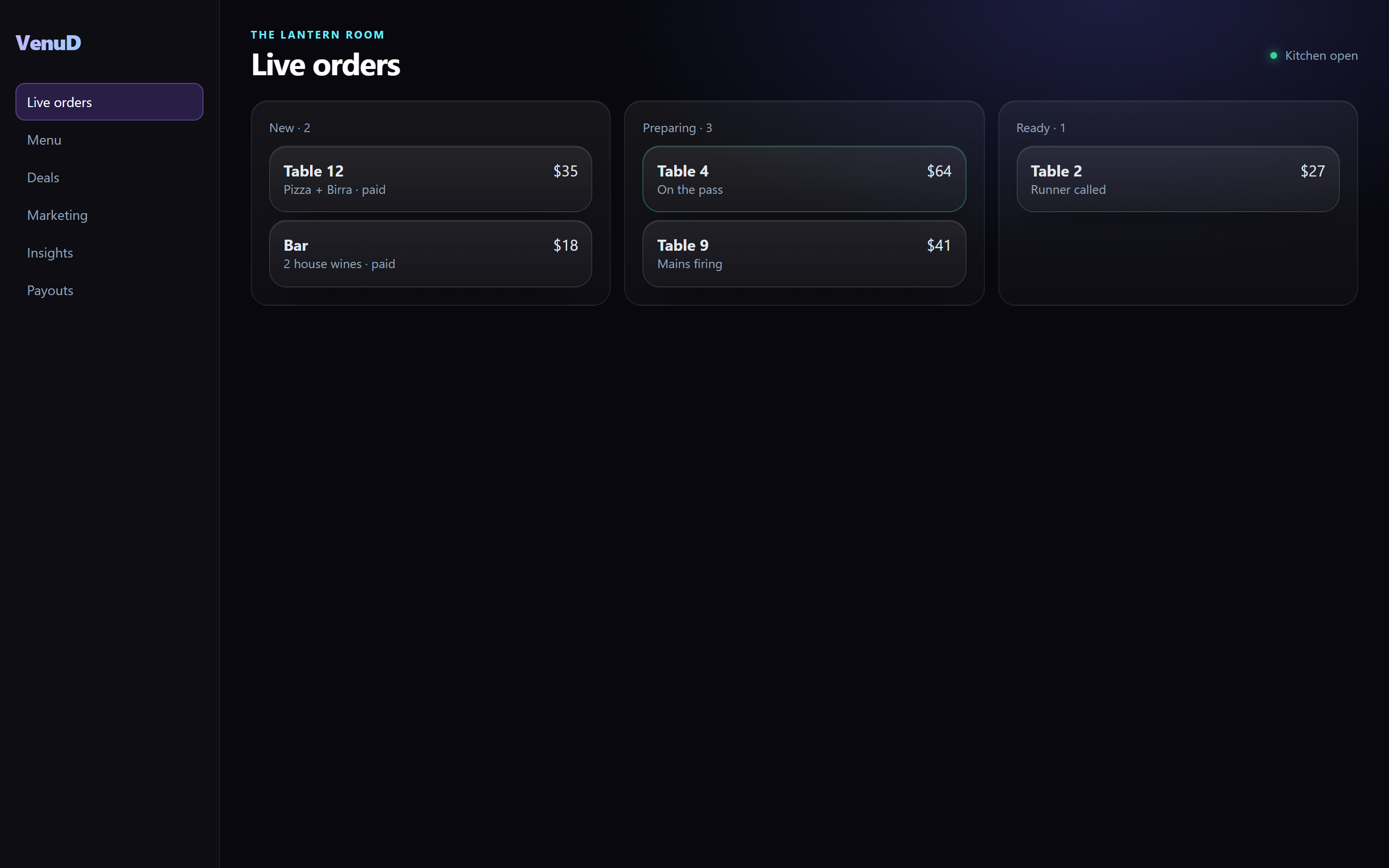
On the till
The menu comes in. The ticket goes out.
The venue keeps its POS. VenuD pulls the menu from the till — categories, modifiers, prices, availability — and pushes every paid order back as a ticket. There is no second menu to maintain and no tablet to re-key from.
Square and Doshii are live today, which covers a long list of tills through Doshii’s network. Toast, Clover, Lightspeed and Tyro are built into the product and landing venue by venue. If a venue has no POS, the live orders screen is the till: new, preparing, ready, on one screen the pass can read from across the kitchen.
Money moves through Stripe Connect straight to the venue’s bank. VenuD takes 1% of the QR order value. The card fee is its own line at checkout and is passed to the guest, so the venue’s margin on a $35 combo is the venue’s margin on a $35 combo.
Bookings sit beside orders: a table for eight on Friday, a birthday for twelve, a corporate function for forty. Requests come in from the app, the venue confirms or declines from the portal, and the booking shows up in the same week’s numbers.
A sample night
Tonight forecast
Peak at 11pm
Key metrics
Live arrivals
LiveAll in one platform
Discovery, demand, and data — connected for venues and guests.
The morning after
Know your room better than the room knows itself
Insights is the page a venue opens with the first coffee. It is not a dashboard of vanity numbers. Every tile is built from paid orders, real check-ins and the venue’s own menu, and most of them end in a sentence about what to do next.
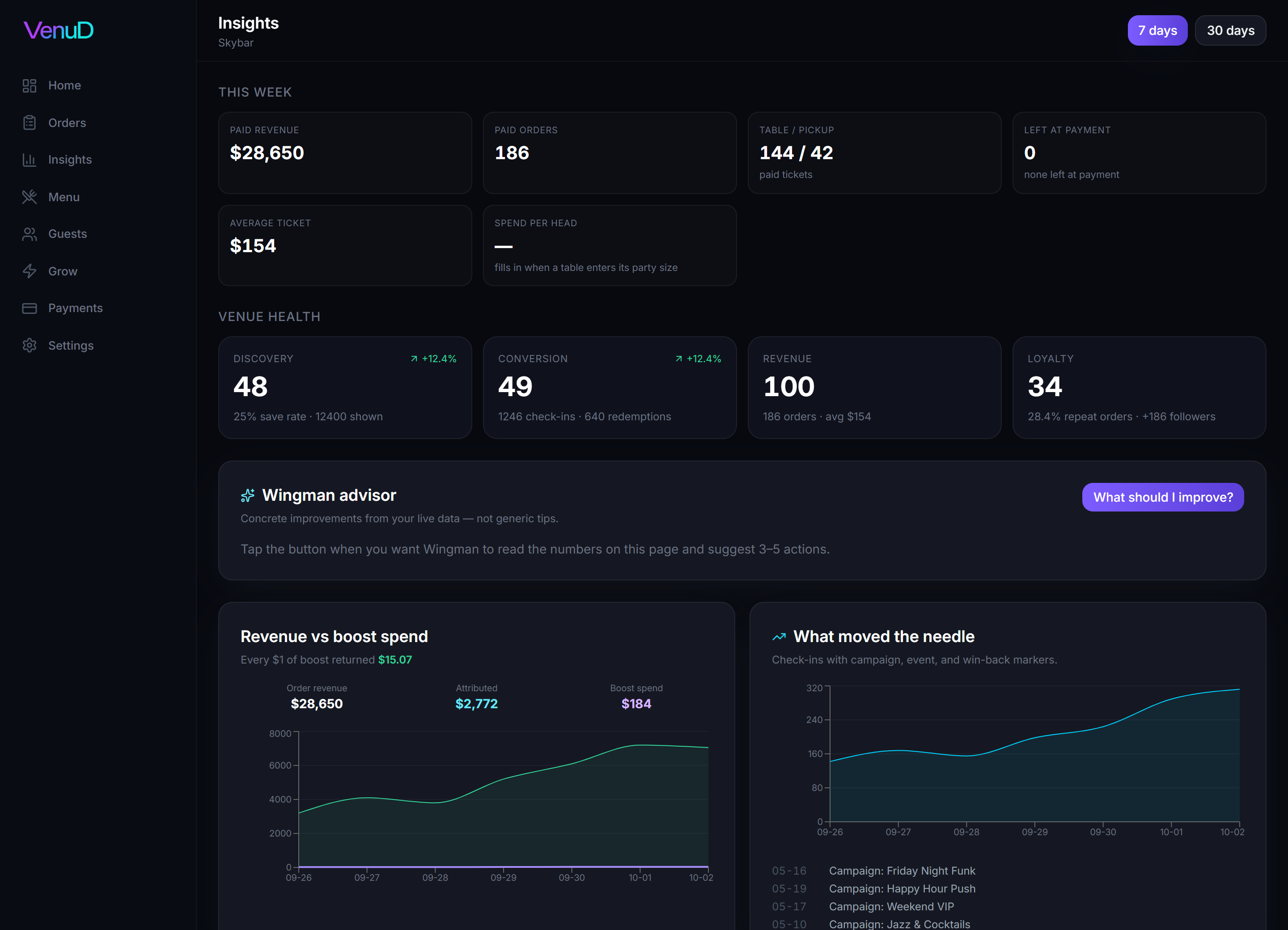
This week, in money
Paid revenue, paid orders, table versus pickup, the average ticket and spend per head. Then the number most venues never see: how many carts were left at payment, and which dishes were in them.
Venue health, scored
Four scores out of 100 — Discovery, Conversion, Revenue, Loyalty — built from your own save rate, check-ins, redemptions and repeat orders. Each one tells you what moved it and what to do about it.
Discovery → dollars
The whole funnel in one row: how often you were shown in the deck, how many people saved you, how many walked in, how many ordered, and what they paid. The drop between steps is where your next fix is.
What moved the needle
Check-ins by day with campaign, event and win-back sends marked on the line. You can see the Friday your Happy Hour push went out and the lift that followed — or didn’t.
At the table
Which tables ordered a second round and how long after the first. What gets ordered together. Which recommendations got added to a paid order. How often someone asked for water, plates or sauce.
Service speed and staffing
Order-to-complete times by daypart, delayed tickets and ETA overruns. When dinner runs at 22 minutes against a 16-minute average, Insights says so and suggests where the extra pair of hands goes.
Retention and guest value
Repeat order rate, repeat visitors, estimated value of a guest, followers gained this window, and how many win-back sends actually brought someone back through the door.
Wingman advisor
One button. Wingman reads the numbers on the page — not a generic playbook — and comes back with three to five concrete actions for this venue, this week.
Every $1 of boost returned $15.07
That line in the sample week is not a slogan — it is $2,772 of attributed order revenue against $184 of boost spend, calculated the same way for every venue, every week. When the number is bad, it says so, and Wingman tells you why.
Boost
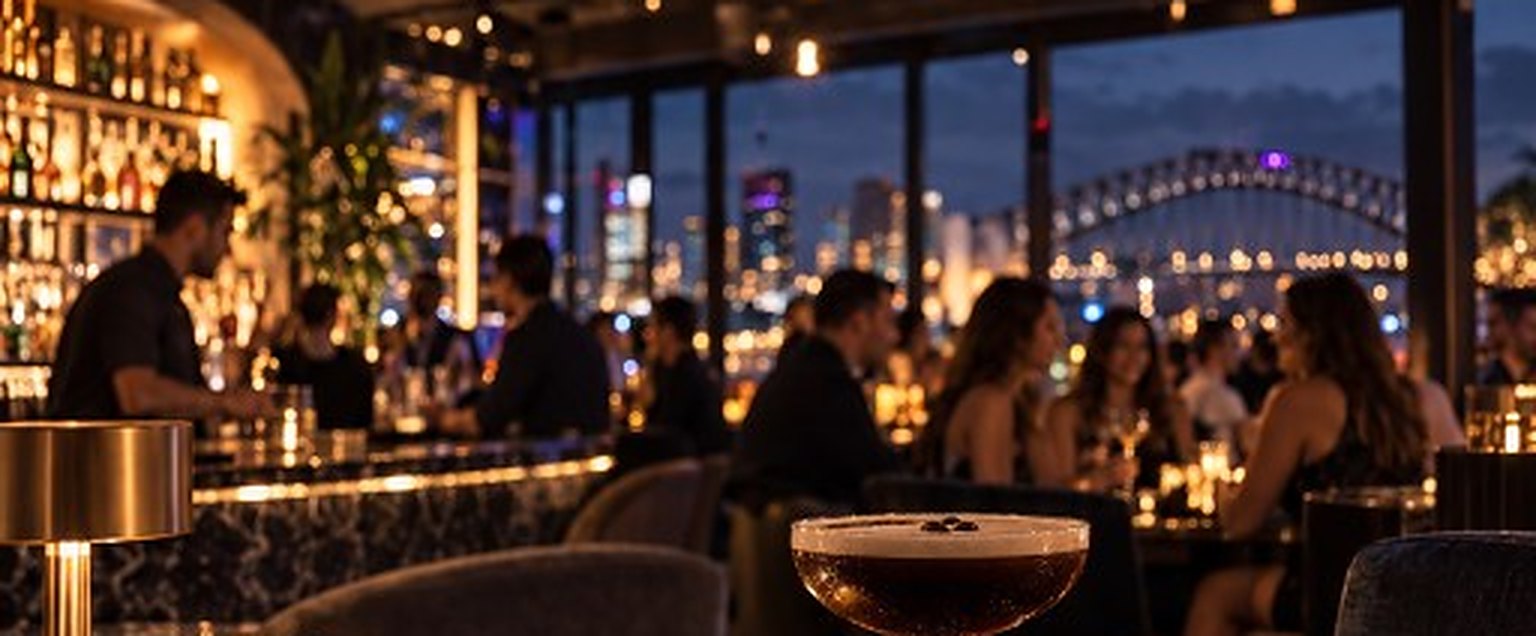
Turn the city up when the room is quiet.
A boost is a decision, not a campaign. Tuesday is slow at six, so you push your pin to the people deciding nearby and send tonight’s combo to the ones who saved you. By seven you can see in Insights whether it worked.
Bring them back
Deals they see before they arrive
Timed offers and set combos show in the app while people are still deciding — on the pin, in the deck, in the plan. Stamps build on real paid orders, not a card behind the bar, and the reward redeems at the table on the next visit.
- Top up the Boost Wallet at $50, $100 or $250. Credits fund two things: presence on the map and offer sends.
- Map presence puts your pin in front of people who are nearby and deciding. It is measured in check-ins, not impressions.
- Offer sends go to guests who have followed, saved or ordered. Each delivered, opened, redeemed and visited step is counted back to the offer.
- Meta campaigns run from the same balance. Attribution lands in Insights beside everything else, so a boosted Friday is compared with an ordinary one.
- Second-chance sends go back to guests who have gone quiet. In the sample week, 420 sends brought 86 of them back through the door.
Followers matter here too. Every check-in and paid order is a chance to follow the venue, and followers see the venue’s next deal without the venue spending a credit to reach them. In the sample week the venue gained 186 followers and had 2,840 in total.
A night on VenuD
Illustrative
What 1,000 impressions cost
AUD · indicative
Map presence on VenuD against a typical social feed.
Hotels and groups
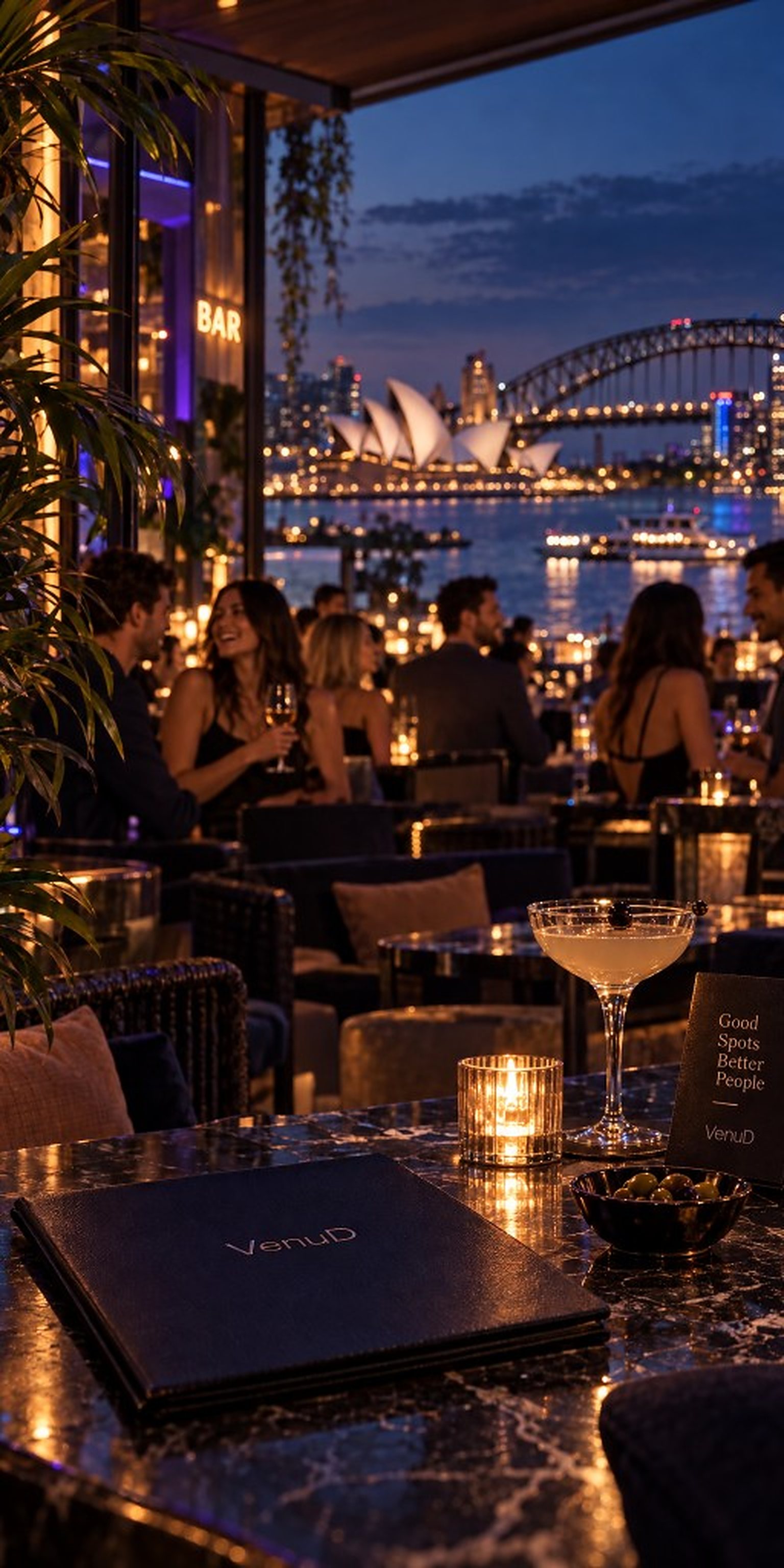
One stay. Every restaurant in the building.
The room key becomes the QR. Dinner downstairs, the rooftop bar, breakfast in the morning — every outlet on the property, one guest, one way to pay.
A hotel, many doors
Built for properties with more than one till
A hotel is five venues wearing one badge. Each outlet keeps its own POS, its own menu and its own ticket flow; VenuD sits across all of them so the guest never notices the seams.
A room QR covers every outlet under the roof. The guest orders from the room, the pool or the table and pays in the app — or charges it to the room, and the charge goes through the till that outlet already runs. Nobody re-enters a card at every door, and nobody at the front desk is reconciling paper dockets at checkout.
Groups work the same way. A plan in the app holds for forty the way it holds for four — the door, the time, who has arrived — and a group booking request lands in the outlet’s portal to confirm like any other.
Direct folio posting into the property management system is a later step. Tonight, the charge-to-room path runs through the outlet till the hotel already trusts.
In the room
- One QR on the room card, every outlet on the property.
- Order from the room or the table. Pay in the app, or charge it to the room.
- The ticket still lands on that outlet’s till. Staff tender it the way they do today.
- Each outlet keeps its own Insights. One login switches between them.
Friday, 7:40 pm
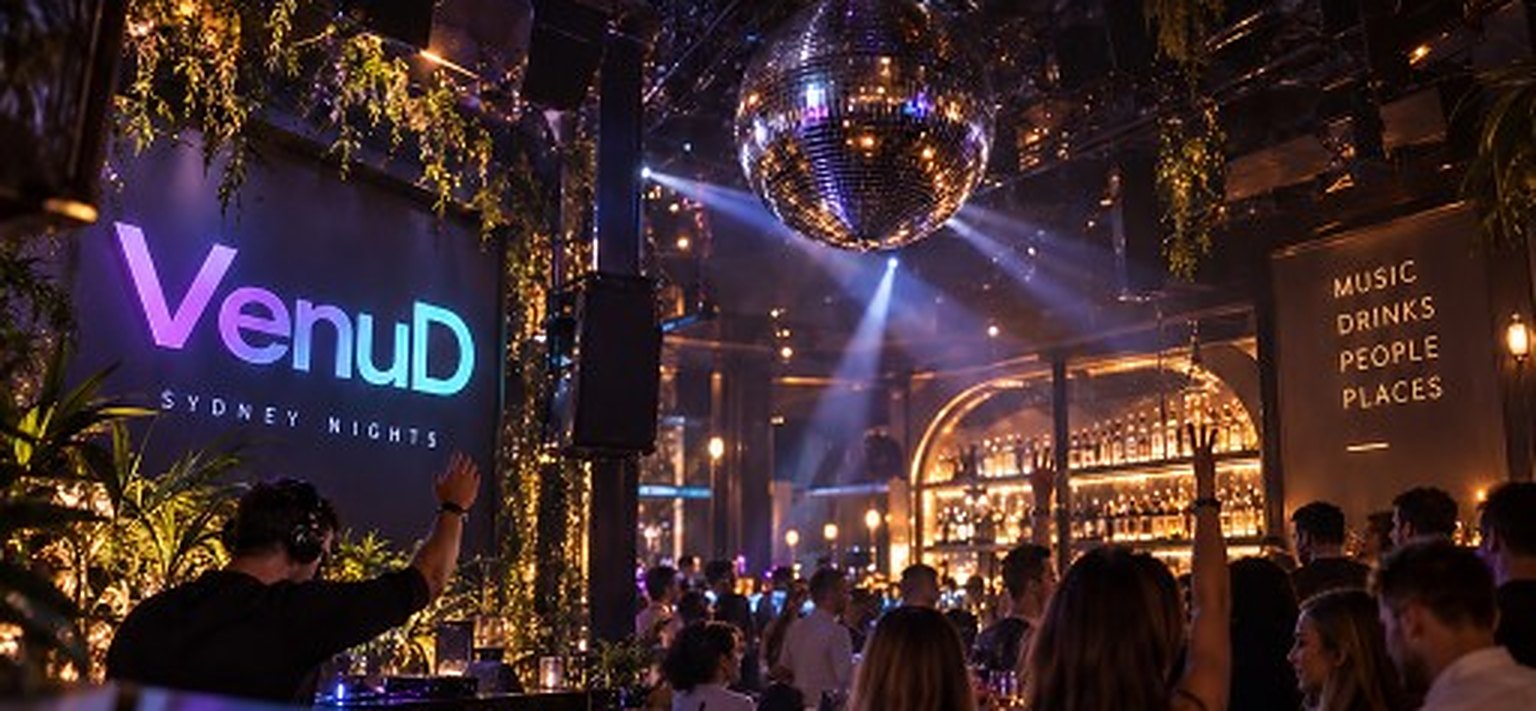
Same room. Same roster. Full.
The pin went warm at six. The combo was in three hundred pockets by half past. Nobody queued, every ticket was paid before it printed, and the morning-after page already knows what to do next week.
Venue film
See the night come alive
The venue-side film, start to finish: a quiet Tuesday, a claimed pin, a QR on the table, a queue that never forms, a till that prints paid tickets, bookings landing, a boost across the city, and the same room full. Everything shown is in the product. Sound on.
For venue owners
Claim your venue
Already listed on VenuD? Take ownership, connect subscriptions, and run your night from one dashboard.
- 01
Find your venue
Search the VenuD directory and select the listing that matches your business.
- 02
Verify ownership
Confirm with your work email (matching your website) or ABN — usually instant.
- 03
Choose a plan
Pick Essential, Growth, or Enterprise, then finish setup in the venue portal.